ping #66 · tiny delights
The Video Waits for You: Auto-Pause When You Tap a Subtitle Word
Tap a subtitle word in LingFit's video feed and the video stops until you're done. Why that pause feels so polite.
If you’ve ever learned a foreign language with subtitles, you know the dance. An unfamiliar word pops up. You reach for the pause button, open a dictionary, type the word in, read, switch back, rewind a few seconds, hit play. By then the sentence is long gone and you’ve forgotten what it was about.
LingFit has shrunk that dance down to a single step. And the detail we like most about it isn’t the translating. It’s the waiting.
What actually happens
In LingFit’s video feed, real YouTube videos play in your target language, sorted by CEFR level, with interactive subtitles. According to the makers, you can tap any word in the subtitles to see the translation. And here’s the key sentence: the video pauses automatically while the tooltip is open, and resumes when you close it.
The tooltip carries what LingFit offers for words everywhere: several translations, the base form, audio with slow playback, and a bookmark to save it.
Why the waiting is polite
Picture a conversation where you ask a quick question: “Wait, what does that mean?” A polite person stops talking, waits until you’ve understood, then carries on. A rude person just keeps talking.
Auto-pause is the polite version. The app notices you’re thinking and holds its tongue. You don’t have to hit pause first. You also don’t have to remember to hit play again after closing it. The motion you use to look at a word is the same motion that stops the video. And closing the tooltip is the “go on” at the same time.
That saves more than taps — it saves attention. You stay in the video, in the sentence, in the moment.
Two little neighbors of auto-pause
The detail doesn’t stand alone. According to LingFit, the feed also offers:
- A scrubber to jump back and hear a sentence again.
- Slower playback at 0.75× or 0.5×, with the app remembering your chosen speed for the next video.
- Directly saving words from the subtitles into your own word list.
Together that makes a feed that feels like scrolling but can turn into a study tool at any moment. Auto-pause is the hinge: it decides whether looking something up breaks the flow or not.
A peek over the fence
Tappable subtitles aren’t an exclusive idea. Browser extensions for streaming services and apps that specialize in learning with video have offered similar features for years, often very thoughtfully. What’s LingFit’s own is the combination: a vertical feed in the style of social apps, embedded in a language app with a course, grammar, and games. The video’s waiting is a small promise there that the feed won’t run off when you get curious.
A tiny exercise for you
If you want to feel the detail for yourself, try the comparison once. Watch a video in another app with subtitles and look a word up the classic way: pause, open a dictionary, switch back, rewind. Then do the same in the LingFit feed: tap the word, read, close. The difference isn’t in the time, it’s in the feeling. On the first path, you leave the video. On the second, you stay inside it.
Three tiny delights
- One gesture for two things. Tapping means looking up and pausing at once.
- The automatic continue. Tooltip closed, video running. No second thought needed.
- The rewind you didn’t need. Because nothing keeps playing, you don’t miss anything either.
What we’d steal for our own projects
Auto-pause is a nice example of a rule that reaches far beyond language apps: when someone takes a closer look at something, everything else should briefly stand still. A carousel that keeps spinning while you read. An animation that keeps running while you open a hint. A countdown that doesn’t wait. All of that feels like someone talking over you.
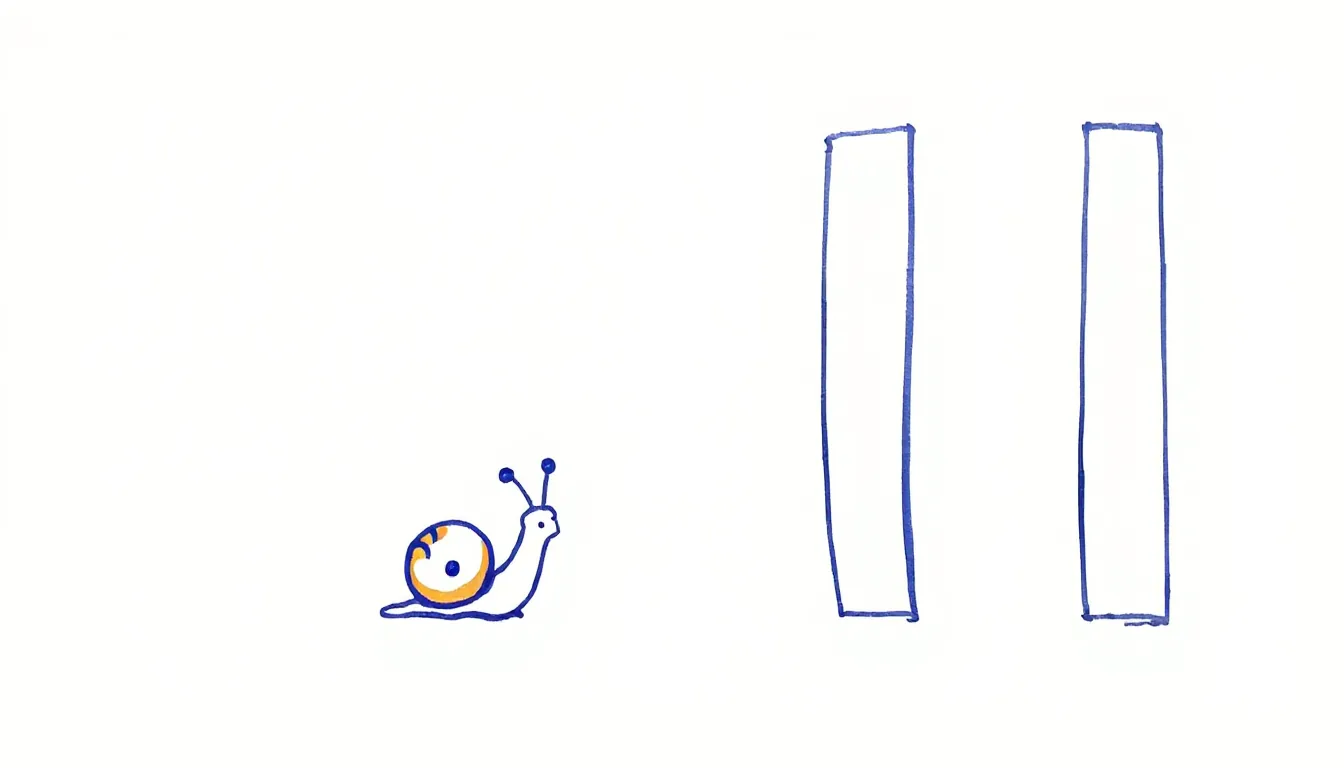
Our sketch for this ping: a small snail sitting patiently next to two pause bars. If you’d like to try the polite waiting yourself, you’ll find LingFit at lingfit.app.