ping #31 · indie VR
Four Senses, One Early-Warning System: What Happens in Laser Thief Before a Laser Hits
A hum, a red edge to your view, a rumble, and a glove that shifts from cyan to red: how Laser Thief says "careful" with four signals.
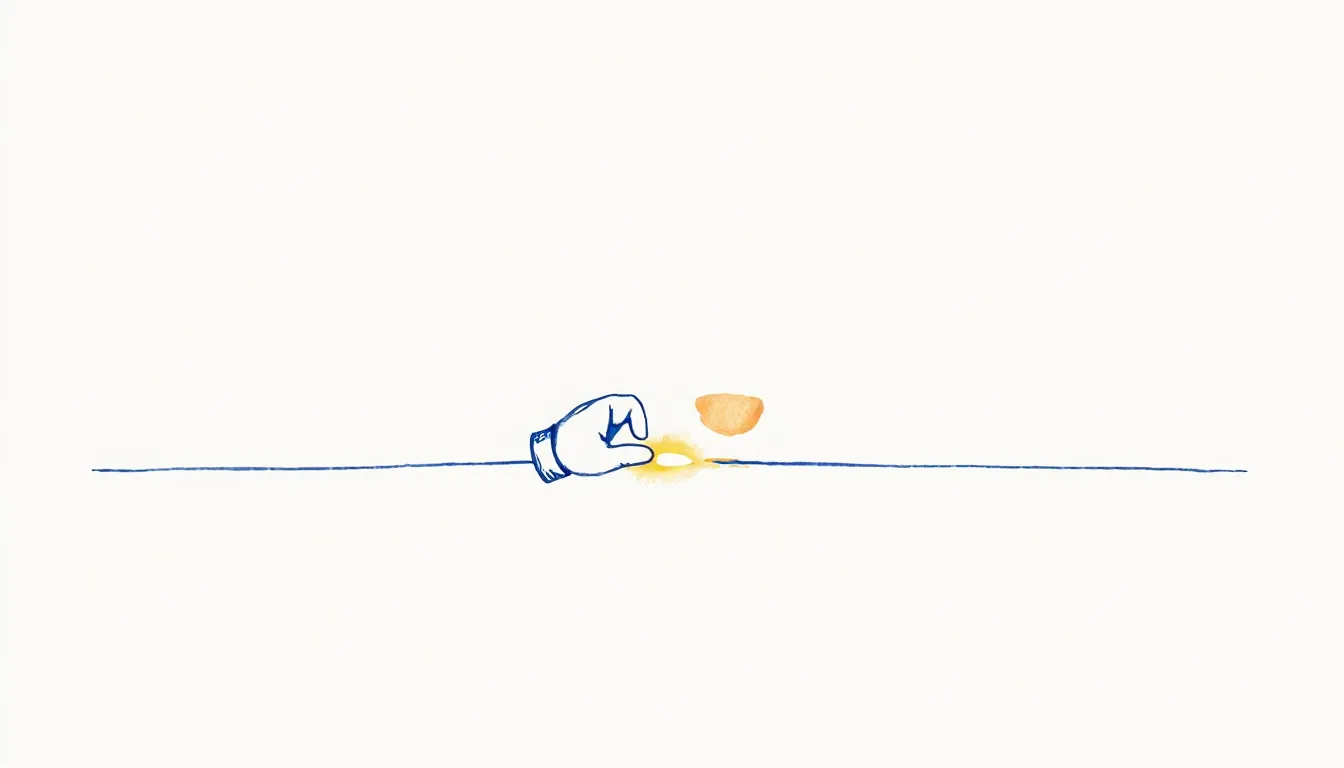
A laser in Laser Thief is 4 millimeters thick — more precisely, the beam has a radius of 0.004 meters. In a real room, with a headset on your head, you can see a line like that, but you’re bad at judging your distance to it. The game doesn’t solve this with a single warning signal, but with four that overlap. We sketched them onto a timeline, sorted by distance.
From 20 centimeters out: hear it and see it
The hum. According to the studio, lasers hum as soon as you get close. Beyond 20 centimeters they’re silent. From there the hum gets louder, reaching full volume at 2 centimeters. Under 7 centimeters, a crackling hiss joins in. And the sound comes from the direction of the beam, so you don’t just hear “close” — you hear “over there to the left.”
The glove. Also starting at 20 centimeters, the color of your glove or hand shifts from cyan to red. With hand tracking, your hands are drawn as holographic cyan skin; with controllers, as a glowing “thief’s glove.” Either way, your own hand doubles as a gauge.
The intro sets this up, by the way. When BLIP hands you the laser glove, he says: “Now you can FEEL the lasers: they hum and buzz as you get close.” And the first training lesson picks up right there: you’re meant to approach a red beam to within 18 centimeters to hear the hum, then duck under it.
From 14 centimeters: the edge of your view
Within 14 centimeters, the edge of your field of view turns red, up to 80 percent intensity. That’s the most obvious signal, and it deliberately arrives later. If the edge went red at 20 centimeters already, it would be on constantly in tight levels.
From about 11 centimeters: the shiver
If you’re using controllers, you feel the proximity too. From about 11 centimeters, there’s a short rumble pulse every 0.08 seconds, growing stronger the closer you get. Haptics only work with controllers and can be turned off in the settings.
Why stagger them?
The four signals don’t share the same starting point, and that’s the real trick. Sound and color begin early and gently. They say: something’s here. The edge of your view comes next and says: it’s getting tight. The shiver comes last and says: very tight. That builds a staircase instead of an alarm. You can deliberately work your way toward a beam — say, to duck under a bar — without everything flashing at once.
On top of that, the four channels cover different situations. You see the edge of your view even when you’re not looking at the laser itself. You hear the hum even from behind. And the glove shows exactly which hand is the problem right now.
And if it happens anyway
If you do hit a beam, time slows to 5 percent for about 1.9 seconds. A wireframe scan of your pose appears, the “guilty” body part blinks red, and a yellow marker shows the exact point of contact. So the warning beforehand has an aftermath that explains rather than just punishes.
One safety note belongs here: all these signals are about virtual lasers. For real furniture, walls, and pets, the usual VR advice applies — clear your play space and stick to short sessions.
Three tiny delights
- A sound with direction. The hum doesn’t just say “close,” it says “where.”
- Your hand as a display. Cyan means clear, red means careful, right at your fingers.
- The slow-motion replay. Five percent speed and a red spot on your body explain every hit.
What we’d steal for our own projects
- Stagger your warnings. Several signals with different thresholds make a staircase instead of a siren.
- Different senses for different situations. Sound for behind, color for ahead, haptics for right up close.
- Explain after the mistake. A short replay teaches more than a “Game over.”
Our doodle: a horizontal line with four marks at 20, 14, 11, and 2 centimeters, each with a little symbol — ear, hand, eye, zigzag. More about the game is in the Meta Horizon Store.