ping #15 · tiny delights
The Boop: Why You're Allowed to Poke BLIP in Laser Thief
Laser Thief's training opens with an optional poke instead of text: BLIP drifts away, giggles, and sparkles. A ping about trust.
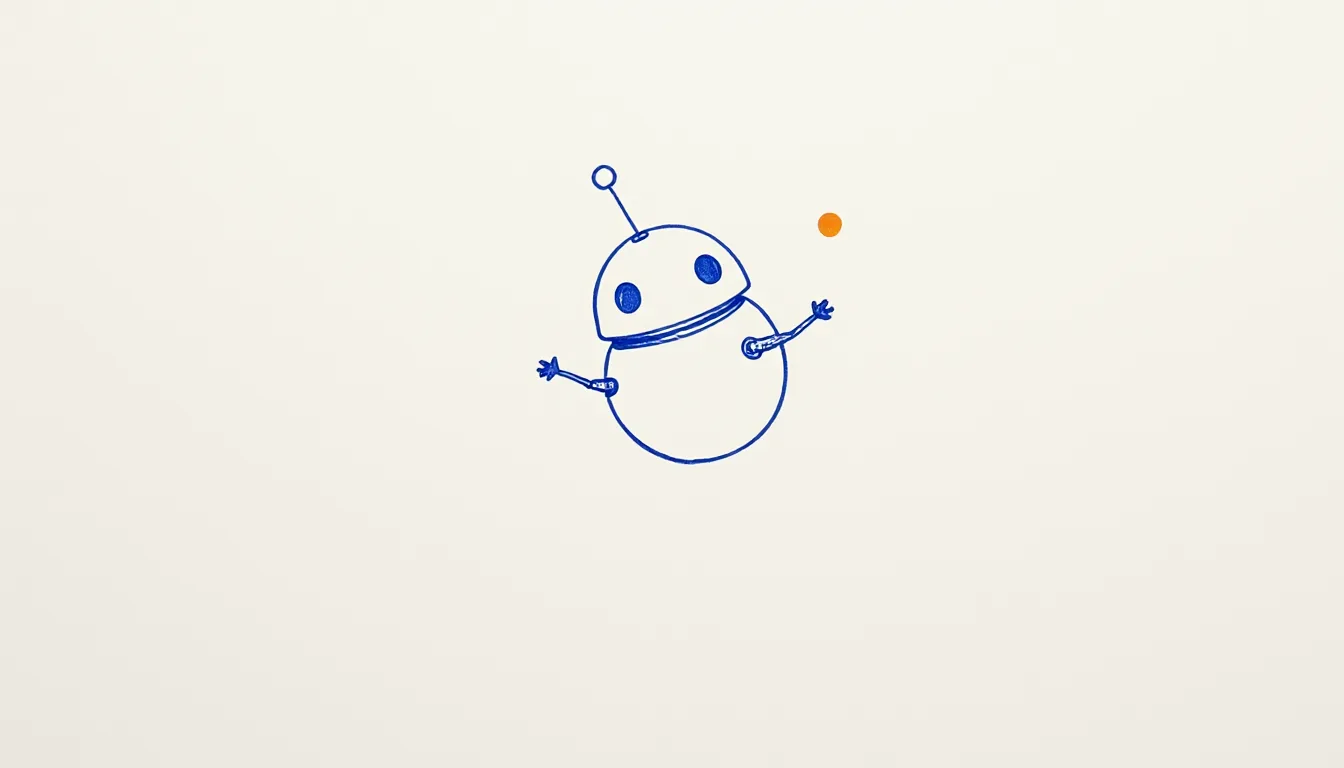
Most tutorials start with a sentence. “Welcome!” “Press A to continue.” The Thief Training in Laser Thief starts differently — with an invitation you don’t have to accept. Before the first lesson begins, BLIP, the little robot, flies up close to you. And then you’re allowed to poke him.
In the game, this step even gets its own number: Lesson 0, “Boop,” and it’s explicitly optional.
What happens when you poke
According to the studio, here’s what goes down: you poke BLIP with a finger or your hand, and he gets shoved away, spins, giggles, and sparkles. Along with it comes the line “Hehehe! That tickles!” It works the same way with controllers, where you also get a little haptic pulse in your hand.
If you’re not in the mood for a ticklish robot, nobody holds you there. The step also ends if you press SKIP BOOP, walk more than 45 centimeters away, step on the start pad, or just wait ten seconds. In that case, BLIP says something a little offended but friendly: “Okay, okay - no boops.”
After that, he explains the real lesson behind the fun: you also navigate menus by tapping, or by pointing and then pulling the trigger or pinching your fingers together.
Why a poke, of all things?
We love how much this tiny gesture accomplishes without a single line of explanatory text.
It tests your hands. Laser Thief uses hand tracking automatically when your hands are recognized well, and controllers otherwise. A poke is the simplest motion for noticing that your own fingers “count” in the game.
It teaches the control scheme. Anyone who’s poked BLIP already knows how to press a button. The boop is a menu tutorial in disguise.
It builds trust. This is the part we thought about the longest. Laser Thief is a game where you’re really not supposed to touch things. Red lasers are always dangerous. And yet the very first thing the training tells you is: this one thing here, you’re allowed to touch, and it’s even happy about it. Before the rules get strict, there’s a moment where nothing can go wrong.
Small safety margins, even for robots
One detail that’s easy to miss: BLIP never flies closer than 0.4 meters to your head. So he comes close enough that you want to reach out, but never so close that he’s hovering in your face. And after a boop there’s a short 1.2-second pause before the next one counts. That way, poking doesn’t turn into frantic nonstop tapping — it stays a small moment.
As always with games where you move your arms: clear your play space, keep anything breakable out of reach. Even a boop is a real arm movement in a real room.
The boop sticks around
The nice part is that the poke doesn’t disappear after training. You can still poke BLIP later, like when he’s floating next to you in the menu giving tips. In the controls overview, “Boop BLIP” is listed as its own action, right alongside “grab loot” and “press buttons.” A game that gives mascot-tickling its own line takes its small pleasures seriously.
Three tiny delights
- The lesson numbered 0. An optional step before Lesson 1 shows that playing can come before learning.
- Five ways to say no. Poke, skip, walk away, step on the pad, or wait: nobody gets stuck.
- A giggle as feedback. Instead of a green checkmark, you get a reaction with personality.
What we’d steal for our own projects
- Make the first interaction harmless. If your product has strict rules later on, start with a gesture where nothing can happen.
- Disguise the controls as play. A boop teaches tapping without saying “tap here.”
- Build in an elegant exit. Anyone who doesn’t want to join in should be able to move on without embarrassment — if all else fails, just by waiting.
Our doodle for this ping: a round robot with an antenna, tilted slightly in midair, three little sparkle lines beside him. More on the game is in the Meta Horizon Store.