ping #48 · tiny delights
The Tower That Prints Itself
In Sozo, towers don't just appear: they print themselves onto the hex tile with an assembly effect. Why letting the build be visible matters.
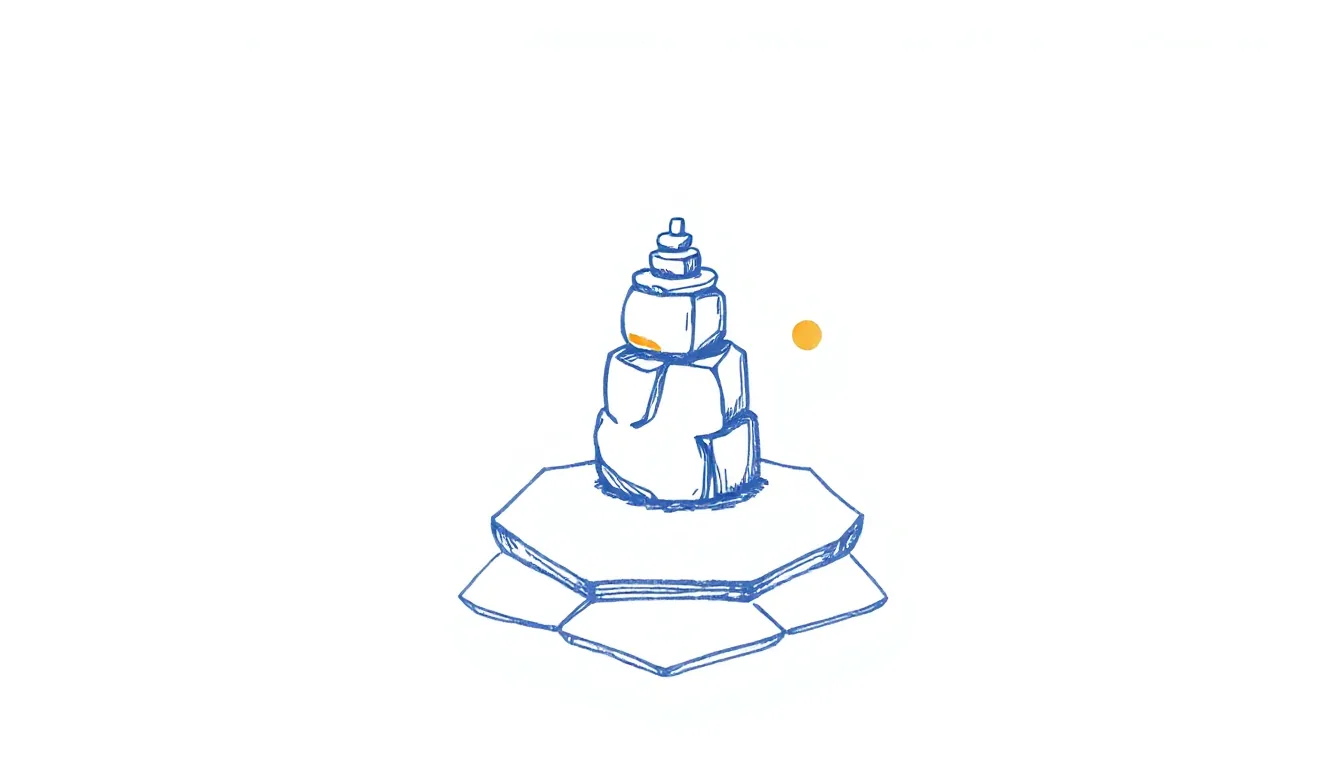
In a lot of tower defense games, building is a plop. You tap, gold disappears, and there’s the tower. That’s efficient and perfectly fine, especially when you’re placing them once a second. In Sozo – Tower Defense there’s a little in-between step we noticed: the tower prints itself.
From hex to tower
According to the studio’s game guide, the path there is short. You tap an empty hex tile on your floor. A build wheel opens above it with eight hexagonal buttons, clockwise from the top: Ballista, Cannon, Frost Spire, Tesla Coil, Flamethrower, Air Missile, Prism Laser, Arcane Obelisk. Hover over a button and you see a rotating model, an info panel with damage, range and fire rate, and a preview of the range ring on the tile.
Then you choose. And per the guide, here’s what happens: the build starts immediately. The tower prints itself onto the tile with an assembly effect.
Even in the intro
What’s interesting is that this moment doesn’t wait for the first level. In the intro, which plays in your actual room, a swarm of six dark silhouettes with glowing eyes pours out of the rift. ECHO calls out: “We need a tower. There!” A golden hex lights up, you tap it, and a Tesla Coil prints itself, shoots down the enemies one by one, then channels its lightning into the rift, which closes. “TOWER UP!”
So the very first tower you ever see comes together in front of you. That sets the tone for all the ones after.
Why letting the build be visible matters
A tower that simply appears is an object. A tower that takes shape is a result. That sounds like splitting hairs, but it changes how you perceive it. When you watch something assemble, you connect it to your decision. You chose, and now it’s being built.
Mixed reality adds something else. The towers in Sozo are small: per the guide, a tower is about 7 centimeters wide, and most ranges sit between 30 and 60 centimeters. They stand on your real floor, between the couch and the coffee table. An object that size popping into existence could easily slip past you. An assembly effect pulls your eye exactly to where something new is happening.
And the verb is a nice choice: print. It calls to mind 3D printers, layer by layer, a workshop rather than magic. That fits a game where you later upgrade towers with gemstones in a garage and evolve them there from rank MK I up to MK III. These towers are built machines, not spells.
No waiting, still a moment
The important thing: the effect doesn’t slow anything down. The build starts immediately after you choose. You don’t have to stare at a progress bar while a wave rolls in. The print is background music, not a loading screen. That’s the fine balance good feedback is made of: enough motion to notice, not so much that it gets in the way.
And if you’d rather reduce motion in menus, the settings include a Reduced motion option that, per the guide, turns off the UI’s rotation, plop and punch animations.
Three tiny delights
- The build wheel above the tile. The menu appears right where the action is and turns to face your head.
- The rotating model on hover. You see the tower before you build it.
- The print. One second of workshop in your living room.
What we’d steal for our own projects
When people create something in your project — a document, a map, an object — show the becoming, not just the result. A short build-up effect that grows from the bottom up, lines that close into a shape, a frame that fills in. The rule from Sozo: start immediately, show briefly, never block.
On our sketch page, a little tower is now growing out of a hexagon, in three layers, each a bit more crooked than the one below. Hand-printed, so to speak.