ping #56 · tiny delights
IRON FALCON and Other Random Codenames
In Tank Avenger's Map Workshop, the RENAME button rolls codenames like IRON FALCON. Why tiny name generators make naming easier.
Anyone who’s ever created something new knows the moment: the “Name” field is empty, and nothing comes to mind. Tank Avenger – Mixed Reality sidesteps that moment with charm. In the Map Workshop there’s a button called RENAME. It doesn’t ask for a name. It rolls one. For example: IRON FALCON.
Where the button lives
The Map Workshop is the level editor in Tank Avenger. On a floating, holographic drafting table, we paint a map out of 14 × 14 blocks. We hold the trigger and sweep the laser across the table. The palette has two columns: terrain (erase, floor, wall, crate, two portals, our tank) and enemies (eight types, from the standard tank to the mortar). There’s an undo with 40 steps.
On the map console next to it sit the management buttons:
- < MAP i / n > to page between maps.
- NEW MAP for a new map from a template.
- RENAME for a new name.
- DELETE, which has to be pressed twice within four seconds.
Plus sliders for weapon, world, attack helicopter (0 to 3) and attack drones (0 to 3). Up to 30 maps fit in the workshop. They’re saved locally as soon as we leave the workshop.
Why rolling beats typing
Typing in a headset is a chore. A virtual keyboard, a laser pointer, letter by letter: that’s not the part anyone looks forward to. The RENAME button solves this elegantly. One click, one name. Don’t like it? Another click.
There’s a second advantage, too: a codename fits the theme. IRON FALCON sounds like a military exercise, like a briefing, like exactly the kind of name a miniature fortress on the living room floor deserves. A name we made up ourselves, like “Map 3,” wouldn’t hold the mood.
And third, the die takes the weight out of naming. If you just want to try out a map, you don’t have to think about a name. The name is a gift, not a form.
Tiny name generators we like
Random names are a lovely pattern you find in lots of places. Some tools suggest random word combinations when you create new projects or rooms, and plenty of games roll names for characters or worlds. The principle is always the same: an empty field gets replaced by a suggestion you can accept or reject.
In the Map Workshop it fits especially well, because that’s a place where you’re trying things out anyway. Paint a map, play it, change it, play it again. A quick name keeps that rhythm going.
The template is part of it
The codename isn’t the only starting value in the workshop. NEW MAP doesn’t begin with an empty table either, but with a template: a walled courtyard with a gate, two crates, two standard tanks and one fast tank, our tank standing outside. You can play right away or rebuild right away. Both the name and the map arrive as suggestions. Your own maps always play as Deathmatch, and to play, a map needs at least one enemy.
Three tiny delights
- One click instead of a keyboard. No typing in the headset.
- Names with mood. Codenames fit the world of fortresses and tanks.
- Roll until it fits. Every new click is a little surprise.
What we’d steal for our own projects
- A suggestion instead of an empty field. A starting value is always friendlier than a cursor blinking at you.
- Names that fit the world. The generator should speak the language of the product.
- Protect deletion, not renaming. DELETE takes two clicks, RENAME only one. Guard the important actions, make the harmless ones easy.
A doodle tip
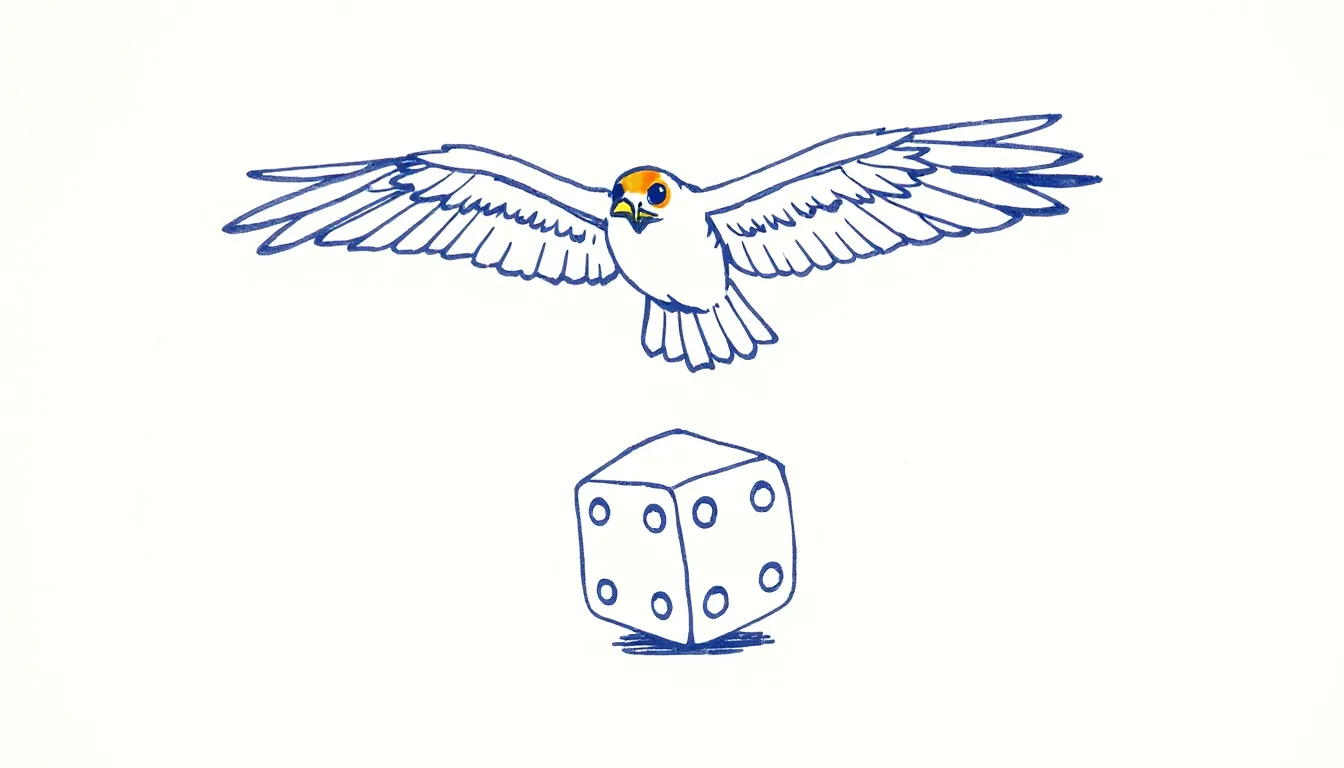
If you want to build your own codename generator for your sketchbook: two columns on a page, materials on the left (iron, copper, stone), animals on the right (falcon, wolf, otter). Roll, combine, draw a little figure next to it. Our doodle for this ping shows a falcon above a die.
More about the game is in the Meta Horizon Store.